Splikit · 12-part split
Split Image in 12 Parts Free
Split image into 12 parts with 3×4 or 4×3 grids when you need a denser tile set for campaigns, long carousels, or print mosaics.
Drag & drop an image
Supports JPG, PNG, WebP, GIF, BMP, AVIF formats
Drop · browse · paste
Settings
LiveRelated
When a 12-part split image makes sense
Twelve tiles are for ambitious grids and long sequences. You will see searches around split image in 12 and multi-tile campaigns. This is more pieces than a typical 3×3 Instagram puzzle, so plan resolution and posting cadence carefully before you split image into a dense grid.
Splikit presets 3×4 and 4×3 so the image splitter stays focused. Private browser processing still applies whenever you split image on this page.
Use this 12-part split image workflow when every tile belongs to one planned sequence; choose a smaller grid when each piece must also work as an independent post.
Teams often treat twelve pieces as a two-week content calendar: export once, schedule evenly, and keep numeric filenames so collaborators do not reshuffle the story mid-campaign. If engagement drops after the first few posts, pause rather than forcing all twelve live in a single day.
When the goal is a physical mosaic instead of social posting, print tests on plain paper first. Dense grids amplify small alignment errors, so a one-sheet proof saves ink when the final set runs on photo stock.
Prefer another count? Jump to 2, 3, 4, 6, 9, or 12 parts—or the full image splitter.
Choose the correct 3×4 or 4×3 orientation
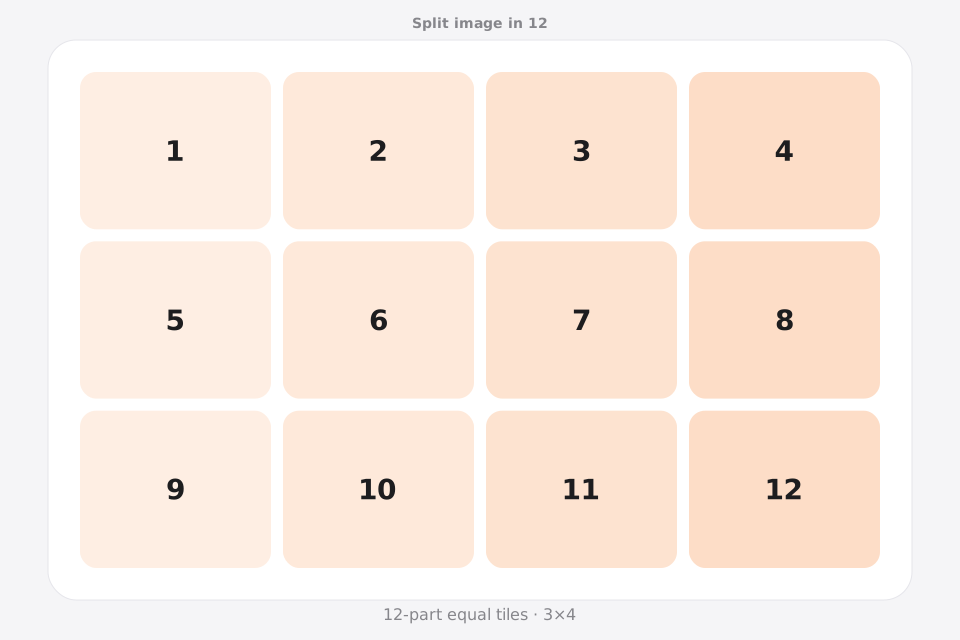
Orientation matters when you split image in 12. In this tool the first number is rows and the second is columns: 3×4 creates a wider four-column grid, while 4×3 creates a taller three-column grid.
3×4: three rows, four columns
Choose the wider layout for landscape contact sheets, exhibition plans, product collections, or print mosaics that need four pieces across. It is not a standard three-column profile arrangement.
4×3: four rows, three columns
Choose the taller layout for a twelve-post profile campaign, vertical wall mosaic, or storyboard with three pieces per row. Preserve the numeric filenames because four row transitions are easy to reorder.
Use twelve only when density adds value
A 12-part split image needs a high-resolution source and careful scheduling or assembly. This split image layout is worthwhile only when every tile contributes useful detail; otherwise six or nine pieces will produce a clearer result.
How to split image in 12 parts
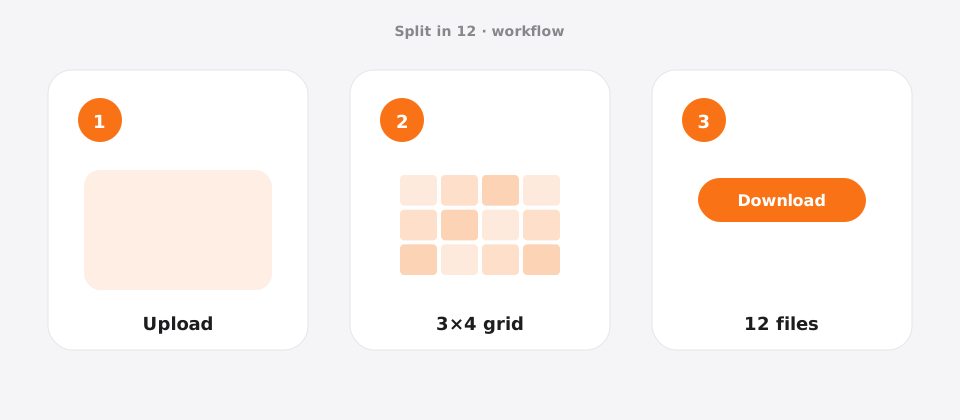
Upload your photo
Add a JPG, PNG, or WebP file to Splikit. The 12-part split image tool accepts common formats up to about 20 MB.
Confirm the grid
Templates: 3×4 or 4×3. Preview updates as you switch allowed templates.
Download numbered pieces
Run Split Image and save all 12 tiles. Numbers help you post or print in the correct order.
Features for a clean 12-part layout
This 12-part route targets dense 3×4 / 4×3 campaigns. Higher tile counts need clearer order and larger sources—presets reduce setup mistakes.
Splikit keeps the same private browser engine across the kit, but this URL’s intent is specifically a 12-part layout—not a general homepage grid and not a multi-page PDF poster workflow. Limits stay honest: about 20 MB sources here; custom rows/columns up to 10×10 live on the full splitter when presets are too narrow.
If twelve tiles is overkill, drop to 9 or 6; if you need true multi-page A4 PDF assembly, open the PDF/print tools instead.
Use cases for 12 equal pieces
Campaign content board
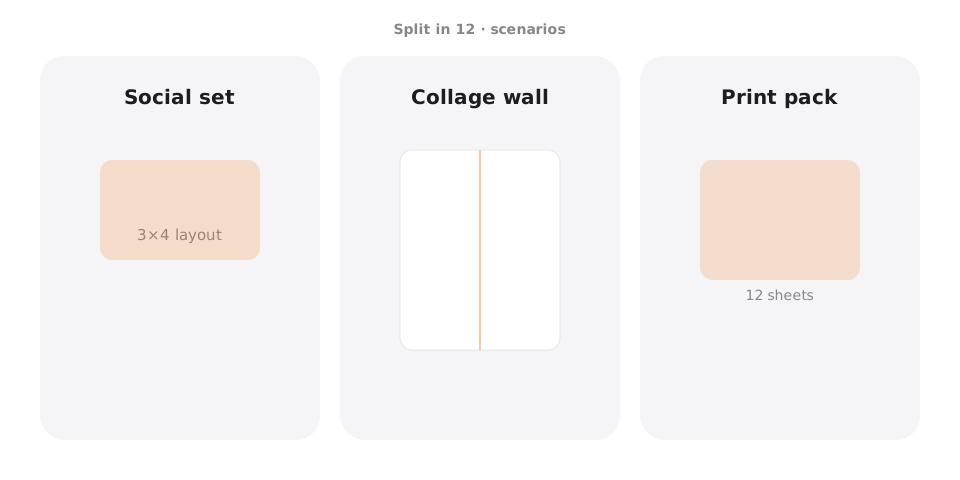
Scenario → twelve coordinated launch tiles · Setting → 4×3 · Output → JPG · Caveat → schedule and publish by numbered row order.
Print mosaic
Scenario → wall of tiles · Setting → 4×3 · Output → PNG · Caveat → high-res source mandatory.
Content calendar pack
Scenario → two-week posting · Setting → 3×4 · Output → JPG · Caveat → schedule with numbers.
Exhibition panels
Scenario → multi-panel install · Setting → 4×3 · Output → PNG · Caveat → physical alignment marks.
Pro tips for a clean 12-part result
- Use the largest clean source you can before you create 12 tiles.
- Expect more social compression artifacts—prefer PNG for graphics.
- Numbered downloads are essential for multi-day campaigns.
- If twelve is too many for Instagram profile layout, prefer nine.
- For poster sheets, compare with Split for Printing.
Split image in 12 FAQ
Can I split image in 12 parts free online? +
Yes. Splikit provides a free 12-part split image tool with private browser processing and numbered exports.
Should I pick 3×4 or 4×3? +
Pick the orientation that matches your source and display. In Splikit, 3×4 means three rows and four columns, so it is wider; 4×3 means four rows and three columns, so it is taller.
Is a 12-part layout good for Instagram profiles? +
Profiles are usually 3-wide, so nine parts map more cleanly. Twelve often works better as a carousel or print mosaic.
What resolution do I need? +
Very high—think multi-thousand pixels on each side—so each of the 12 tiles remains usable.
Are uploads required? +
Not for the core path. Processing is local in the browser.
Can I watermark-free export all 12? +
Yes. Core exports are clean on Splikit.
How do I keep order across a long campaign? +
Rely on numeric filenames and a content calendar before posting day one.
Where can I do custom grids beyond 12? +
Homepage custom mode supports up to 10×10 for flexible grid layouts.
Split image in 12 parts now
Return to the free Splikit image splitter on this page—private, numbered, no signup.
Open the 12-part tool