Splikit · X / Twitter
X Image Splitter Free
Free private X image splitter for Twitter/X multi-tile posts. Split into 2 strips or 4 tiles, then ZIP download.
Upload
Layout
What an X image splitter is for
An X image splitter helps you present one graphic as multiple coordinated images on X. Creators use it for collages, side-by-side comparisons, and multi-image storytelling without desktop slice tools.
Splikit keeps processing private. For the viral reveal meme specifically, also see the Tap the Post generator. For Instagram profile puzzles, use the Instagram grid maker instead.
Multi-image posts on X reward clarity. If each tile is too busy, the timeline preview becomes noise. Aim for one idea per tile when you use a four-up layout, or a clean left/right comparison when you export two strips.
Brand teams often prepare a master asset in their design system, then cut it here for social packaging. That keeps legal review on a single master while still shipping platform-native multi-image posts.
Technical limits stay honest: browser memory, roughly 20 MB comfort for sources, and the need to respect X’s own compression after upload. Export PNG for sharp type; JPG for pure photography.
When you only need generic halves with no social crop helpers, the split-in-2 page is enough. This route exists for X-oriented framing, numbering, and ZIP handoff.
Thread authors sometimes attach different tiles across replies. Numbered filenames make that workflow less error-prone when drafts move between phones and desktops.
How to use the X image splitter
Upload for X
Add a JPG/PNG that you want to present as strips or four tiles on X.
Pick 2 or 4 layout
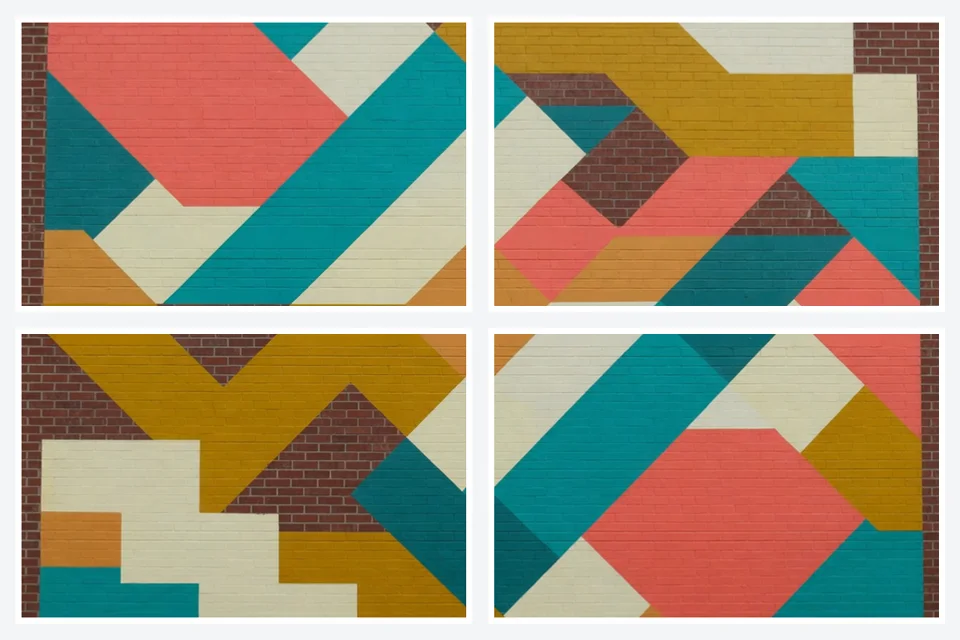
Choose strips or 2×2 in the X image splitter and refine crop.
Download ZIP
Export numbered pieces and compose the multi-image post in the correct order.
Tips for cleaner multi-image X posts
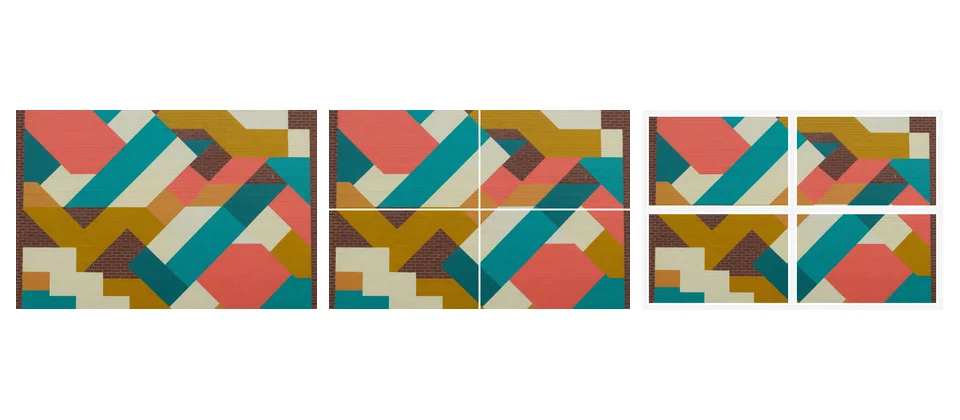
Keep important faces away from the center cross on 2×2 layouts. Preview crop on a phone-width frame when possible. Numbered ZIP files reduce reorder mistakes on multi-image composer UIs.
If you only need generic halves without X framing help, the homepage splitter is enough. This page optimizes social crop behavior and packaging for timeline posts.
Test one upload on a secondary account when the layout is critical for a campaign launch. Platform UI changes can alter how multi-image grids render in the feed versus the detail view.
Accessibility still matters: put essential text in the caption, not only inside the image tiles, so screen-reader users get the same message.
When multi-image X posts beat a single frame
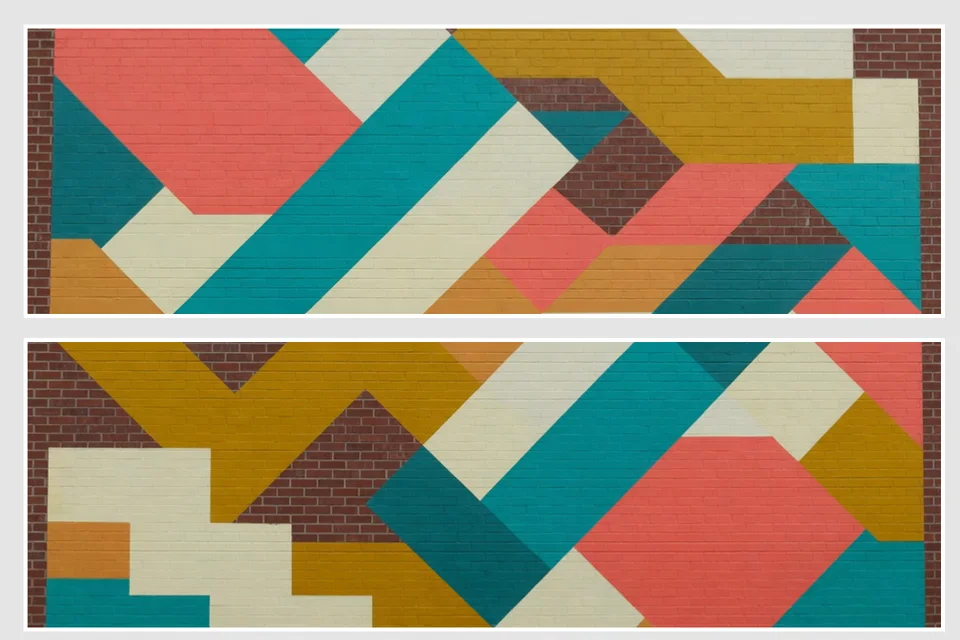
Single images still win for simple announcements. Multi-image layouts win when comparison, sequence, or a reveal improves understanding. Think before/after product shots, step grids, or a joke that needs four panels.
Keep brand colors consistent across tiles so the set reads as one campaign. If one tile is heavily filtered and another is raw, the collage looks accidental rather than designed.
Legal and brand-safety review should happen on the master asset. Once tiles are exported, reviewers may miss context that only appears when all four pieces sit together.
For analytics, treat the multi-image post as one creative unit. Do not over-optimize individual tiles for separate CTR stories—the platform still presents them as one post.
X image splitter FAQ
What is an X image splitter?
It prepares one photo as multiple tiles or strips so the X (Twitter) timeline can show a sliced collage when multi-image posts are composed correctly.
Is this free to use on Splikit?
Yes. Core exports are free, private, and require no account.
Can I export 2 strips or 4 tiles?
Yes. Common layouts are two vertical strips or a 2×2 four-tile set—both supported on this page.
How is this different from the Tap the Post generator?
Both use related crop tech. This page is the general X-oriented splitter; the Tap the Post page is trend-focused reveal messaging for 2×2 “tap to reveal” style posts.
Does Splikit upload my photo?
No for the core job. Processing stays in the browser and ZIP downloads remain local.
What upload order should I use after export?
Follow the on-tool numbering. Order matters for how tiles appear in multi-image posts on X.
Is this only for the Tap the Post trend?
No. You can use it for any multi-tile graphic, thread visuals, or collage posts—not only viral reveal memes.
Do I need Photoshop to split images for X?
No. The browser tool handles equal slices and packaging as a ZIP.
Can I run this on mobile?
Yes in a modern mobile browser. Large sources may be more comfortable on desktop memory-wise.